The timesheetthat writes itself.
Hourray keeps track of your day.
Free · no account · Chrome 116 and later, on Mac, Windows or ChromeOS
Where the hours go
Four reasons you can't account for last week, and what Hourray does instead.
You forget to start the timer.There is no timer. Press start once, on day one.An hour of reading looks like nothing.Reading and calls count as work, not just typing.By Friday, Tuesday is a memory test.Each day is written up for you while you work.Being tracked feels like being watched.No screenshots, no keystrokes, nothing read off the page.
The day so far, in one glance
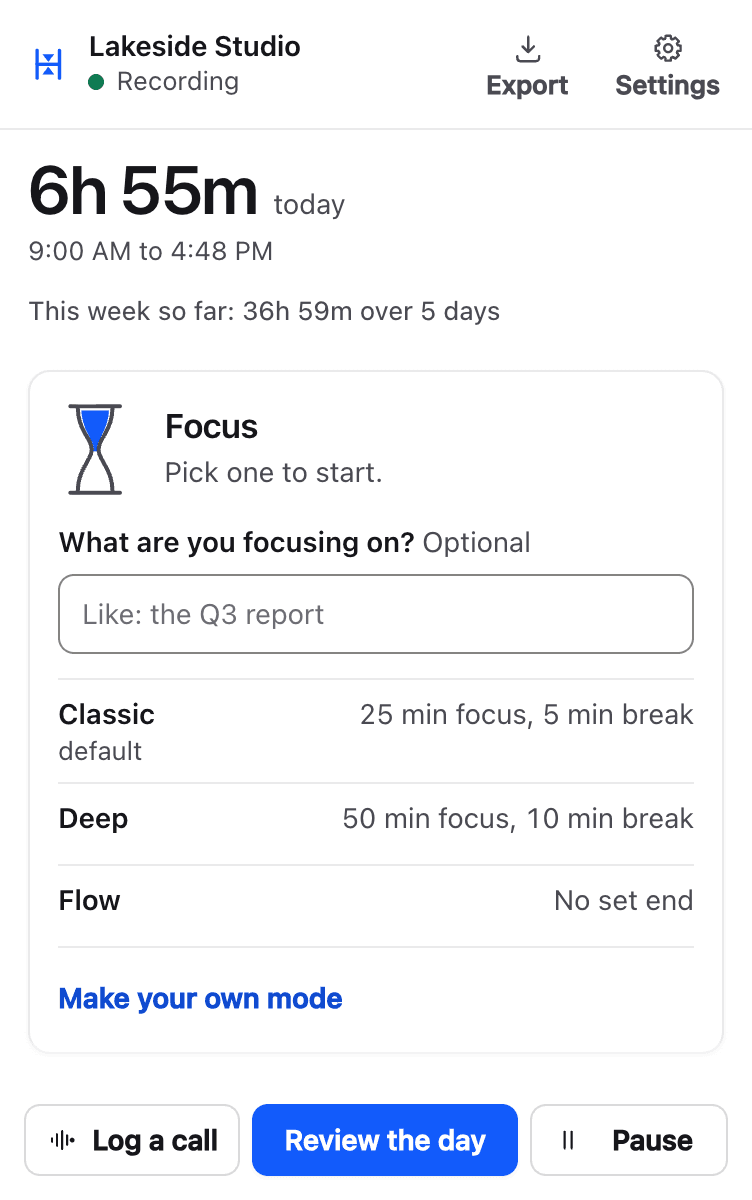
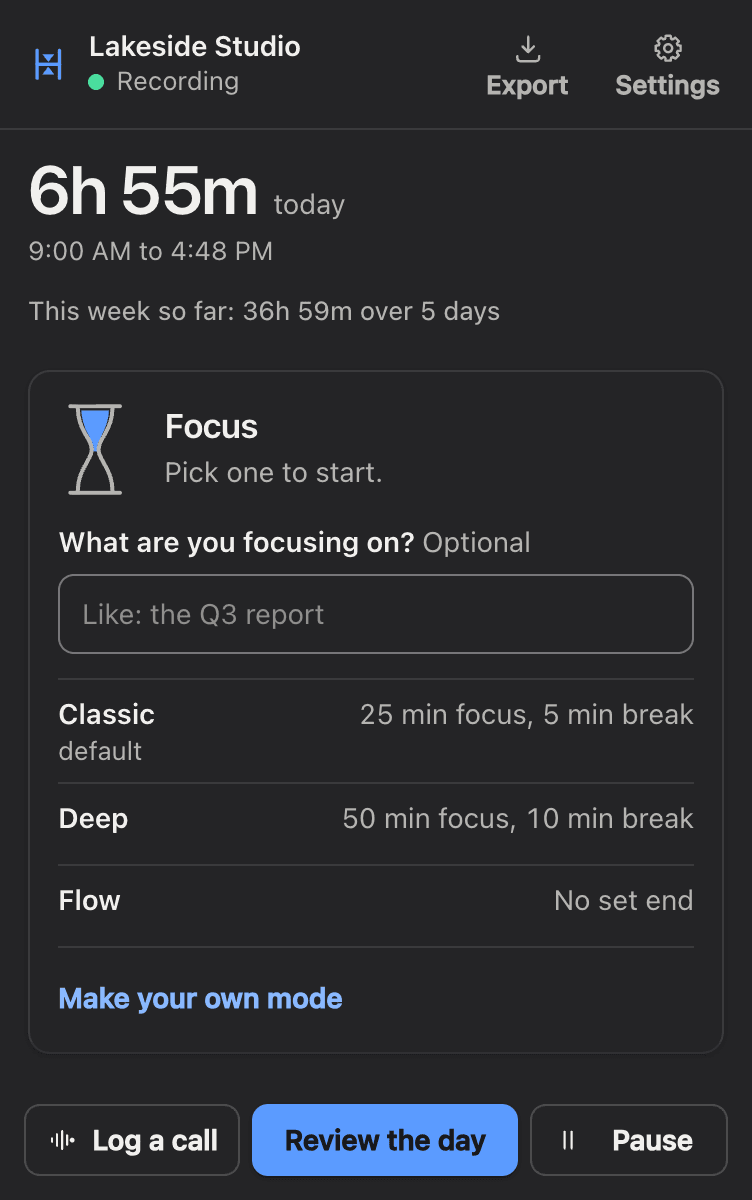
Click the icon in Chrome's toolbar. The day is already accounted for.
- The day in a sentence, then the things that took the most of it
- Copy my day puts the hours, by project, on the clipboard
- Log a call while you're on the phone, Pause when you step away
- Focus runs 25 and 5, 50 and 10, counts up, or a mode you made, and adds no time of its own
It counts the quiet hours
Going quiet doesn't stop the clock, it changes the label. An hour reading a contract is an hour of work.
It writes the day up
Not a chart. A sentence: “Mostly Q3 Capacity Model and meetings.” Then the things that took the most of it.
It lets you fix what it got wrong
Every day arrives as a draft. Untick, rename, fix the minutes, add what it missed. Your edits beat its guesses.
1170
automated tests
run before every release
60
services it knows
about sixty, from Meet and Zoom to Jira and Figma
0
accounts or servers
nothing to sign in to, nowhere to upload
Watch a day get logged
Scroll, and the line becomes the clock. Every block it passes was decided the way Hourray decides it.
- Counted6h 32m
- Meetings, within that1h 57m
- Written down, not counted45m
Spread across 7 things, the most on Hiring plan. 6h 32m tracked. Meetings and calls 1h 57m, 30% of your day. 45m with the screen locked is listed under Time away from Chrome, for you to say what it was.
- 09:00 to 09:25:
Email and messages
Gmail and Slack, grouped into one line
Counted. - 09:30 to 09:52:
Delivery standup
Named after your calendar event
Counted. - 10:00 to 12:00:
Hiring plan
Three tabs, one line. The quiet reading counts too.
Counted. - 12:00 to 12:45:
Lunch
Screen locked: written down, not counted
Not counted. - 13:00 to 13:55:
Work in other apps
You were typing, with Chrome in the background
Counted. - 14:00 to 15:05:
Client review
You were on the call, so it counts
Counted. - 14:05 to 15:00:
Proposal deck
Edited during the call, so it counts in the call
Counted. - 15:10 to 16:25:
Launch checklist
Back to it after the call
Counted. - 16:30 to 17:00:
Phone call
Added with the Log a call button: counts as a meeting
Counted.
Check it, fix it, or let it save itself
A draft with its reasoning attached. Correct anything, or let it save itself once the day is over.
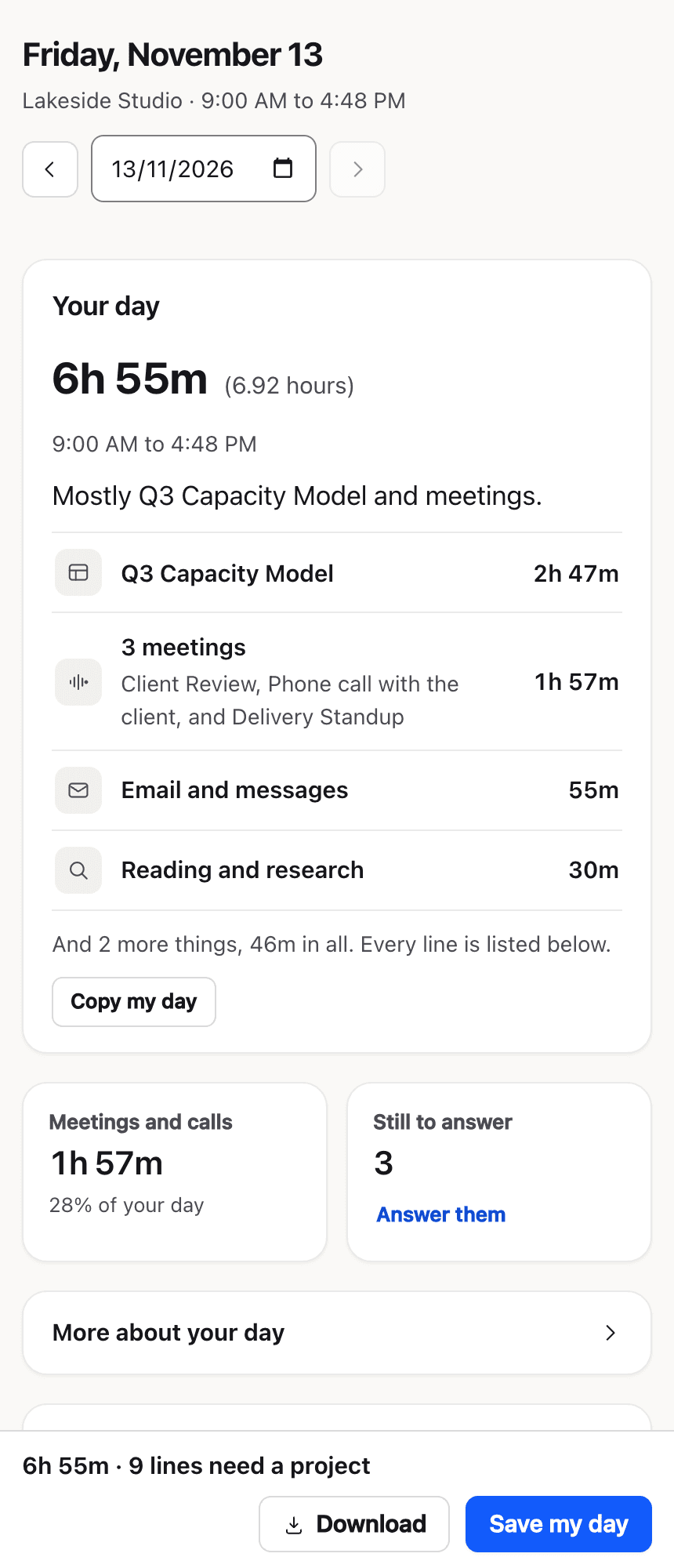
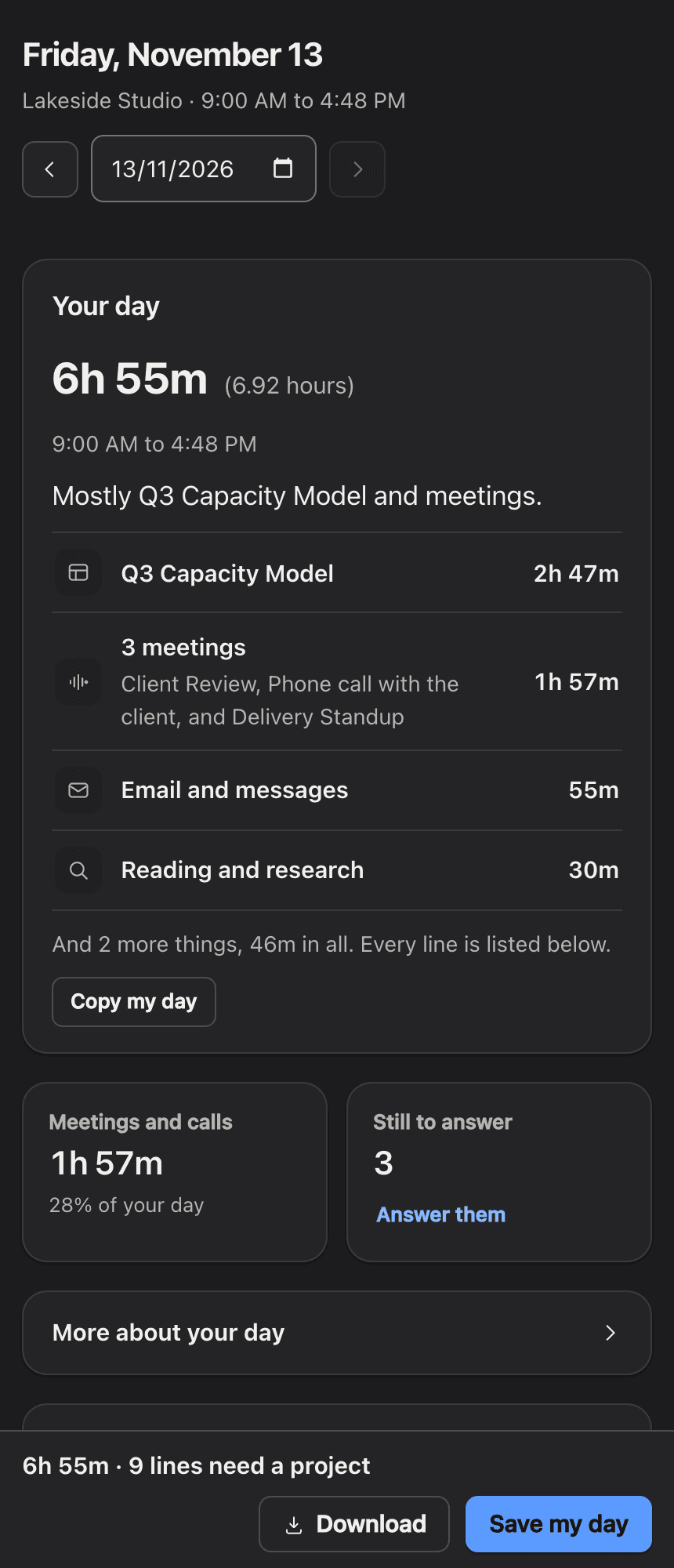
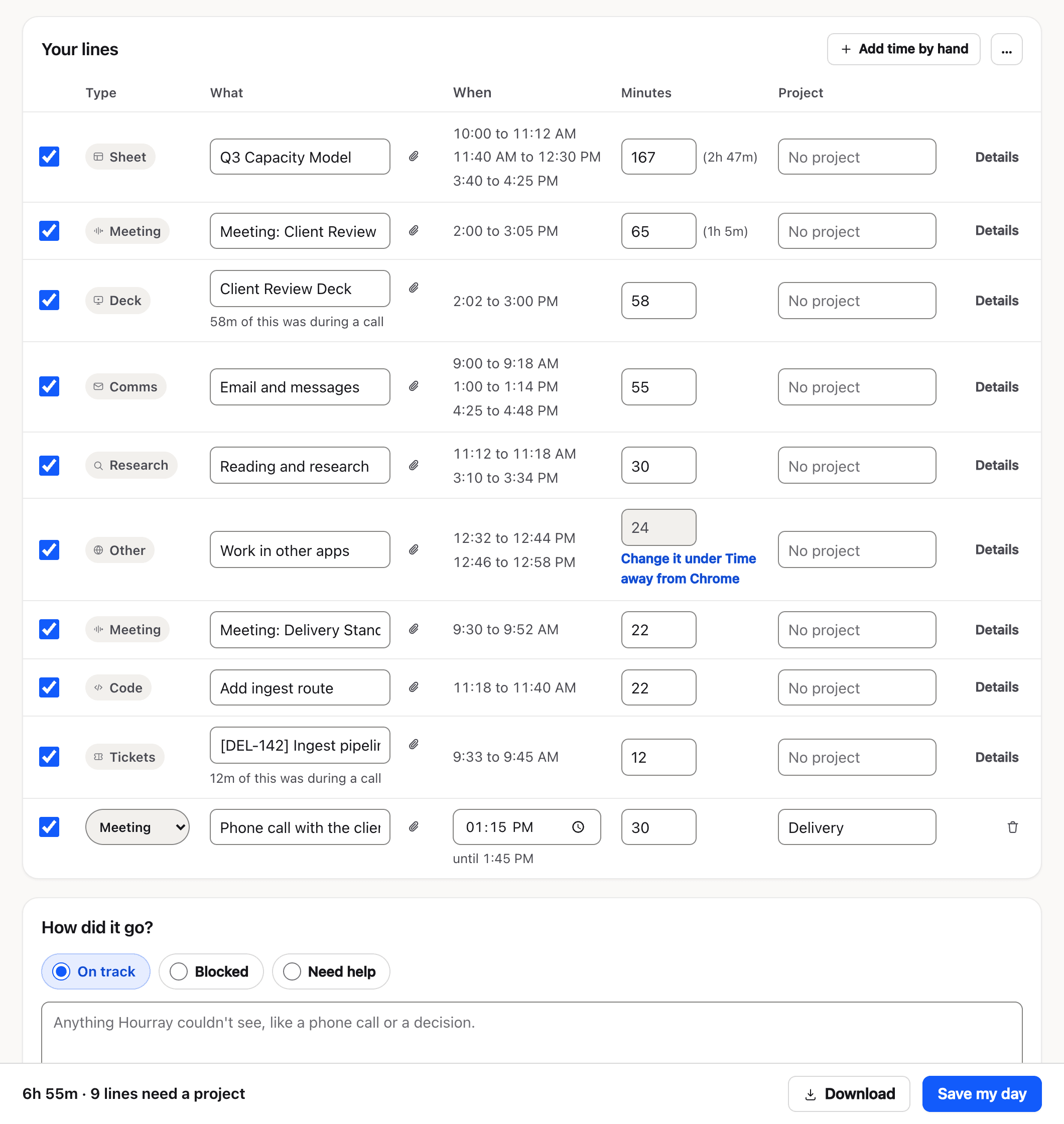
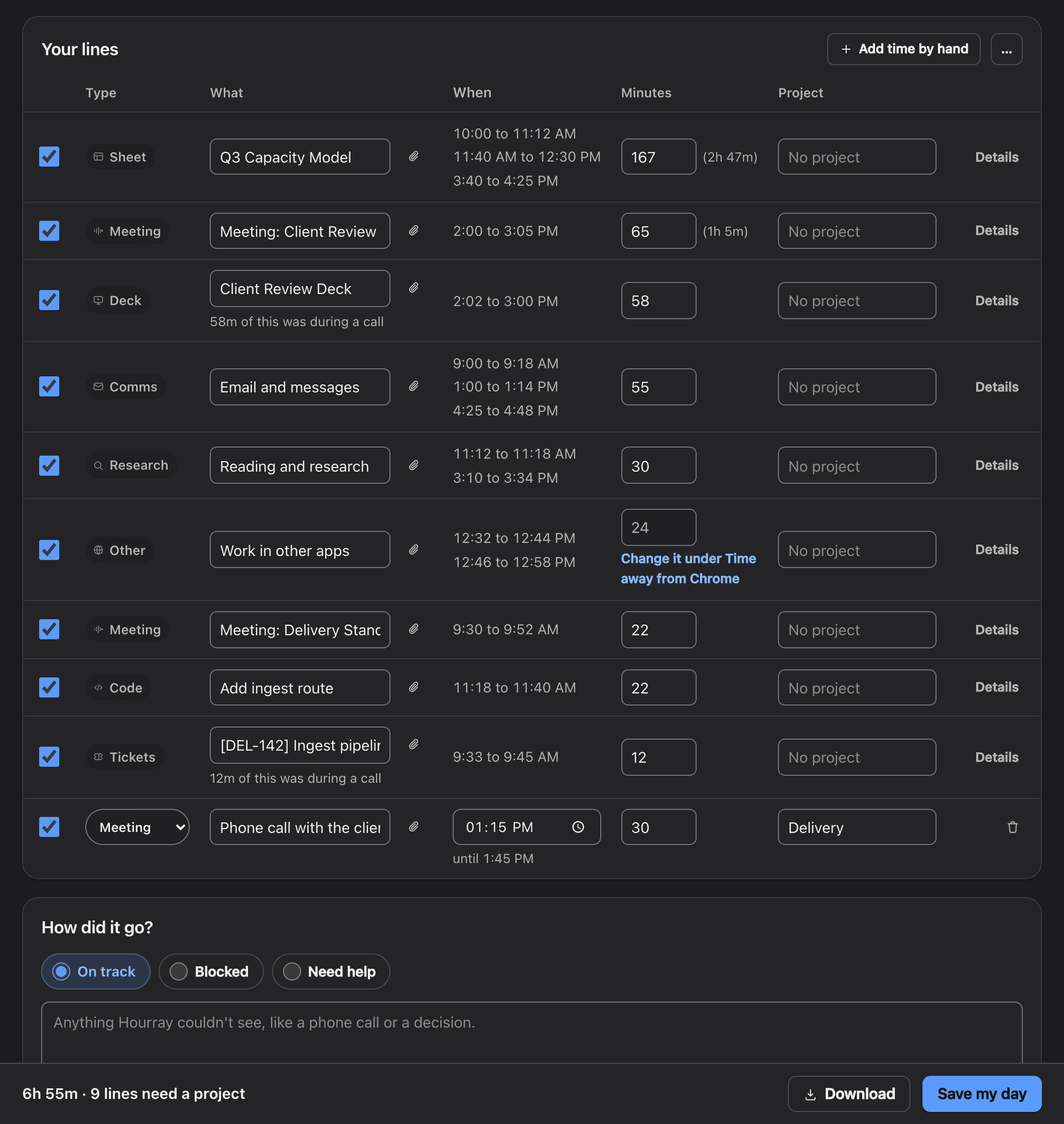
- Add a line for anything it couldn't see
- Quiet times become one-click questions
- Time away from Chrome: say what it was, and it counts
What it won't count
Anyone can pad a timesheet. A total is only as honest as what it leaves out.
Each rule below is in Hourray's code, not a promise.
It won't watch you to get there, either. No screenshots, no keystrokes, nothing read off the page, and never your microphone or camera. Chrome only lets Hourray see a tab's address, its title and whether it's playing sound.
Naming the app you were in
Time at the keyboard outside Chrome counts, as one line a day. Which app it was, Hourray will not guess.
A meeting tab you never joined
A call counts once you've joined it. A Meet link left open all afternoon is not a meeting.
Reading that ran too long
Quiet time counts up to a limit you set, 45 minutes out of the box. Past that it stops counting and asks whether to add the rest, so a laptop left open overnight is never a night of work.
Reading and typing after you lock the screen
Locking the screen stops the clock. Only a call already running keeps counting. The locked stretch still gets written down, and waits on the review screen in case it was work.
The same hour, counted twice
Edit a document during a call and the minutes count once, in the call. The line still shows, and says how much of it was during the call.
A week in a few lines, or all of it
Pick a week, a fortnight or a month. Grouped by project, with the detail underneath.
36h 59min the week this report covers
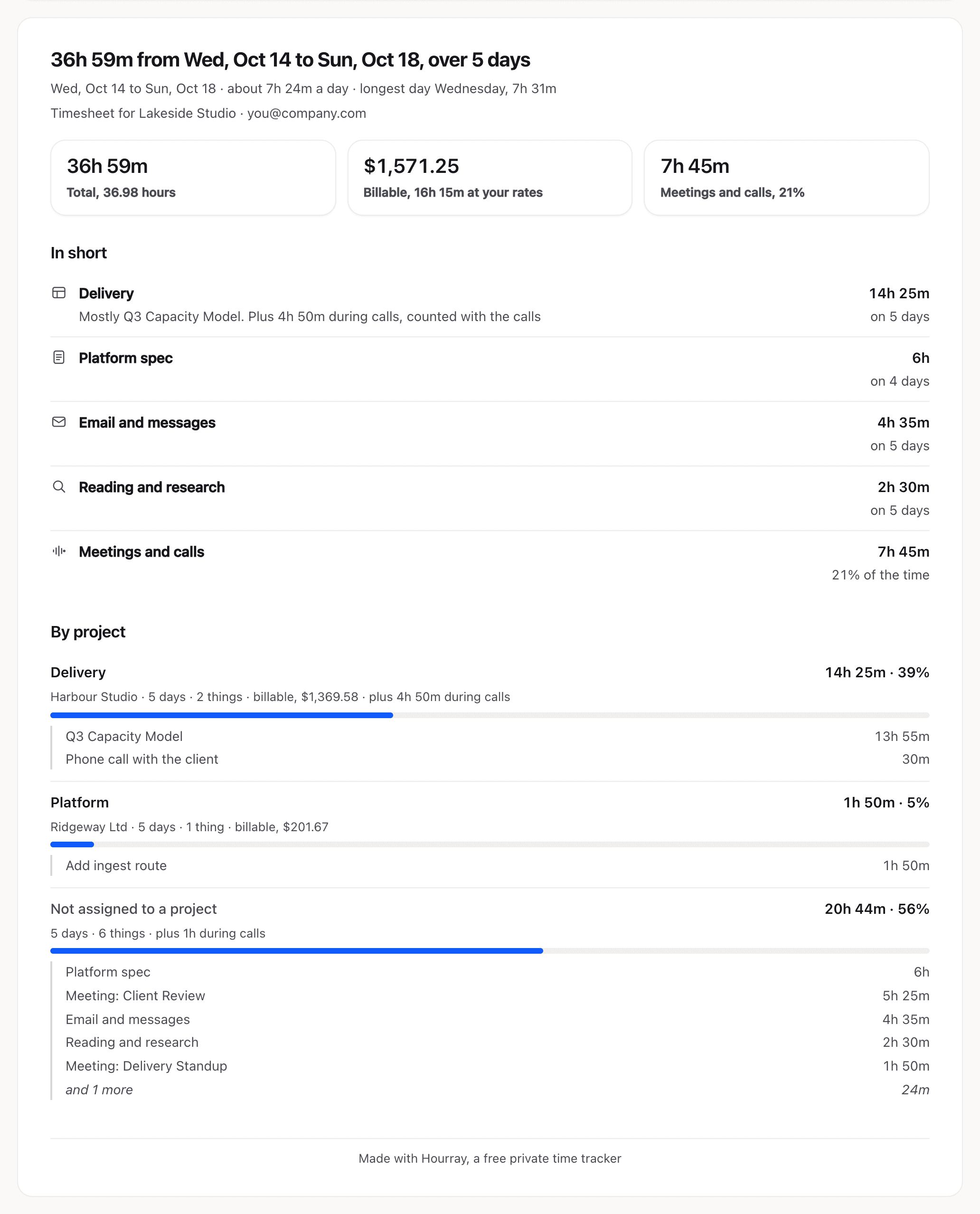
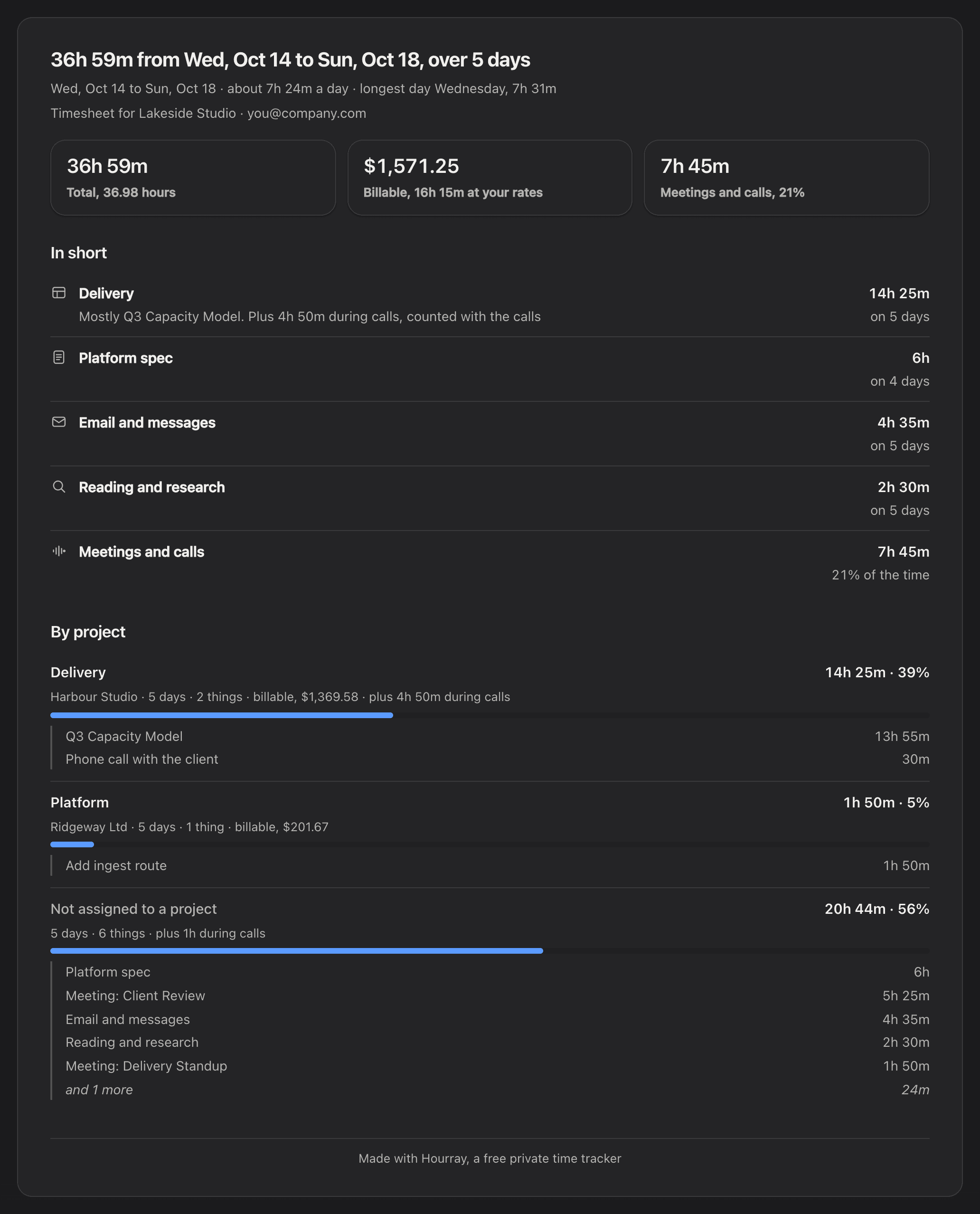
- Save as a PDF, a spreadsheet or a Markdown file, or copy it for your timesheet
- Search narrows it, and exports what you searched
- Unassigned time sorts last: it's a to-do, not a result
A small team?
No budget needed.
Free for the whole team.Everyone installs their own.
Everyone installs their own, free. Nobody's time is sent anywhere. When you need the numbers, each person saves their week as a PDF.
- What it costs the team
- $0 · no accounts · nothing to manage
Each person adds it from the Chrome Web Store themselves. A company-managed computer may block the store, and the folder install needs Developer mode, which such a computer usually blocks as well.
Your work never leaves this computer.
Everything stays in the Chrome profile it was recorded in, on this computer. Not the kind of storage that syncs, so nothing reaches a Google account.
Exactly what it records- No microphone and no camera: neither permission is requested
- Never reads what's written on the pages you visit
- No keystrokes; typing is only ever a yes-or-no signal from Chrome
- No account, no sign-in, no analytics, no ads
- Never runs in Incognito windows
The only two reasons it goes online
It goes online for two things: the calendar you connect, if you connect one, and a check for new versions you can switch off. Neither carries anything about you.
Put it in your work profile and let it keep the day.
Hourray 1.10.4, Chrome 116 and later. No account to make: name the workspace, press start, and it's keeping the day.